What Is a Progressive Web App (PWA)?
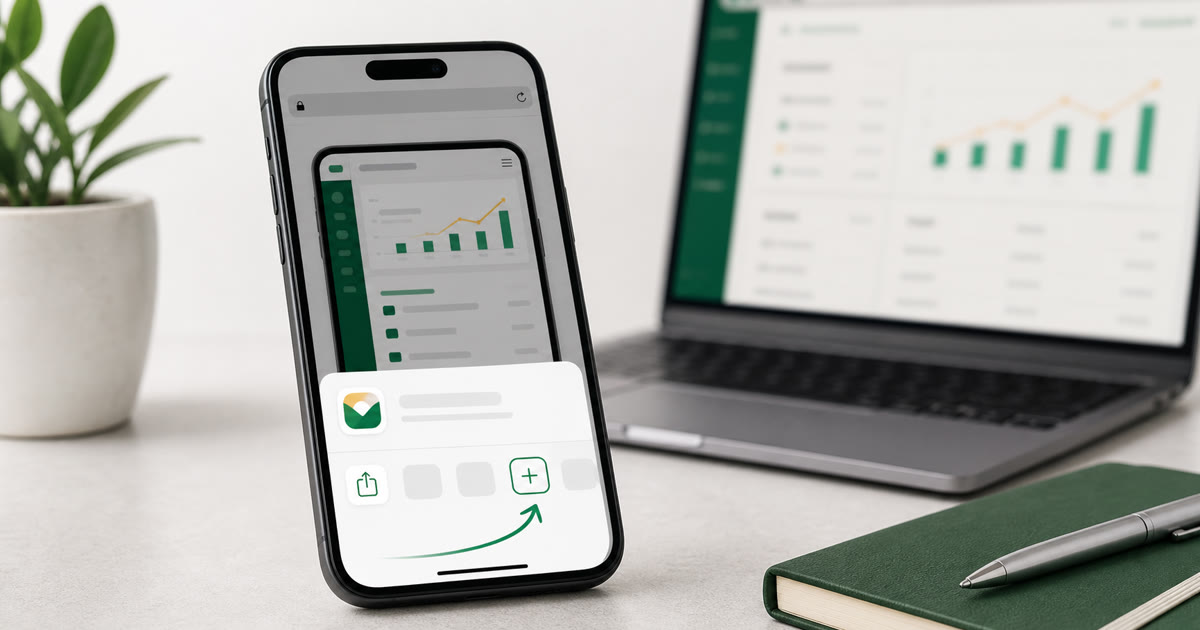
A Progressive Web App (PWA) is a website that behaves like a native mobile app. You open it in your browser, tap "Add to Home Screen", and it appears on your phone just like any other app — with an icon and a full-screen experience.
Why Theobrowz Chose PWA
We built Theobrowz as a PWA for one simple reason: lower friction. The fewer steps between you and your hisab book, the better.
- No Play Store or App Store needed
- No storage permission requests
- Instant updates — no "update available" notifications
- Works on Android and iOS equally well
- Same experience on desktop and mobile
How to Install Theobrowz on Your Phone
- Open app.theobrowz.com in Chrome (Android) or Safari (iPhone)
- Tap the menu button (three dots on Android / share button on iPhone)
- Select "Add to Home Screen"
- Confirm — done! The Theobrowz icon appears on your home screen
Is It Safe?
Yes. Theobrowz runs over HTTPS and follows all modern web security standards. Your data is stored securely in the cloud and never shared with third parties. Read our Privacy Policy for full details.
Start Using Theobrowz Today
Open app.theobrowz.com on your phone right now and install it in 10 seconds — no app store, no waiting, no storage concerns.